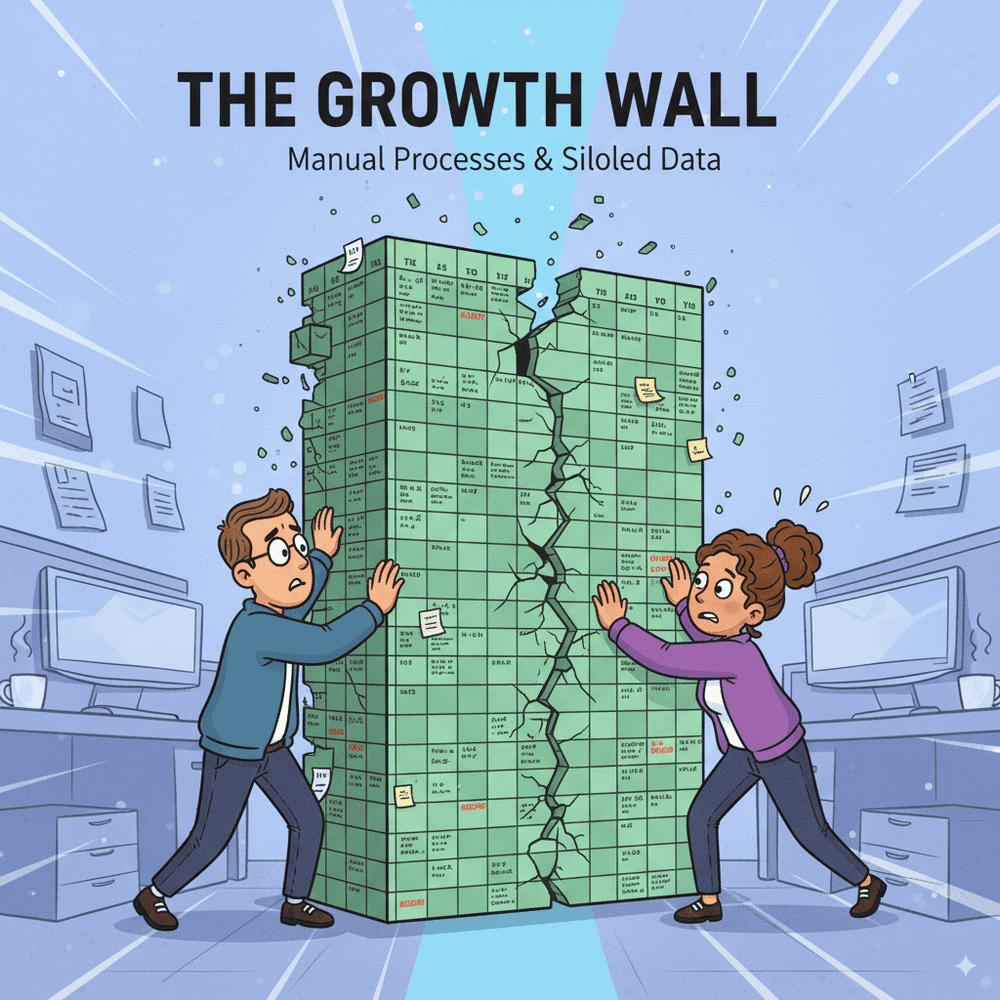
Ever wonder why Excel handles your startup phase perfectly but chokes when revenue doubles and teams expand? Performance lags, version chaos, and data silos aren't bad management – they're spreadsheets reaching their natural limits for scaling SMEs.
Let's unpack the core scalability issues, real growth stories from struggling teams, scalable features that actually work, and why Creviz's custom-built approach lets you add departments and workflows without starting over.
Key Takeaways (Q&A Format)
Q: Why do SMEs outgrow Excel as they scale?
A: SMEs outgrow Excel because spreadsheets can’t manage large datasets, multiple users, or complex workflows, leading to errors, inefficiencies, and delays.
Q: What are the biggest Excel scalability issues?
A: Slow performance, version conflicts, disconnected sheets, and lack of automation are the major scalability issues SMEs face when relying on Excel.
Q: What are the best Excel alternatives for scalability?
A: Tools like Creviz, Airtable, or ERP systems offer scalable solutions with real-time collaboration, automation, and modular workflows.
Q: When should SMEs switch from Excel to scalable tools?
A: SMEs should switch when teams expand beyond 10–15 members, files crash regularly, or data silos block decision-making.
Why do SMEs hit the Excel growth wall?
SMEs hit the Excel growth wall when spreadsheets can no longer handle the scale of transactions, teams, and processes required for a growing business. What worked for a 5-person team becomes a daily struggle for a 50-person company.
In early stages, Excel is practical: it’s low-cost, flexible, and easy to start with. But as customer bases grow and workflows multiply, spreadsheets collapse under the weight of complexity. This is when SMEs start searching for Excel scalability solutions.
What are the most common Excel scalability issues?
Excel works well in the early stages, but it struggles as data, users, and processes expand. The issues below highlight where most SMEs start experiencing breakdowns.
Why does Excel slow down with large datasets?
Excel wasn’t designed to handle massive transaction volumes. Once files exceed a few hundred thousand rows, spreadsheets freeze, crash, or corrupt data. For SMEs managing orders, inventory, or payroll, this creates serious bottlenecks.
How do disconnected sheets create bottlenecks?
As SMEs expand, every new department adds another spreadsheet. Finance has one file, operations another, sales a third. Without integration, staff waste hours reconciling data instead of making decisions.
Why is version chaos worse in larger teams?
When 20 employees edit copies of the same Excel sheet, version conflicts multiply. A sales manager may update pricing in one file, while finance runs reports from another. By the time differences are spotted, decisions are already delayed.
How do scaling SMEs lose visibility with Excel?
Without consolidated dashboards, leaders can’t see the full picture. By the time finance merges 15 spreadsheets into a report, the data is outdated. This slows forecasting and blinds strategy.
These Scalability issues are not only the reason of many SMEs face - Learn more about outgrowing Excel as their primary business tool.
What does an SME growth journey look like on Excel?
We recently spoke with a growing service SME that scaled from 8 to 40 employees. At 8 employees, Excel worked fine. By 20, version control problems appeared. By 40, operations broke down:
- Staff spent days reconciling files.
- Forecasts were inaccurate due to formula errors.
- Clients experienced delays because orders were stuck in spreadsheet silos.
Their experience illustrates a common truth: Excel problems grow exponentially, not linearly.
What scalable Excel alternatives should SMEs consider?
SMEs seeking Excel alternatives should look for scalability-focused features:
✅ Real-time dashboards → Keep leadership updated without manual reports.
✅ Automation → Eliminate repetitive data entry and reduce human error.
✅ Multi-user collaboration → Allow teams to work simultaneously without conflicts.
✅ Role-based permissions → Control who sees or edits sensitive data.
✅ Integration-ready → Connect sales, finance, HR, and operations in one system.
Solutions like Airtable, Smartsheet, and ERP systems can help - but they often come with limitations. Creviz provides a custom-built Excel alternative for SMEs, scaling with your unique workflows instead of forcing a one-size-fits-all approach.
When should SMEs switch from Excel to scalable tools?
Here are clear signals that it’s time to move beyond spreadsheets:
📌 Frequent crashes when files exceed a few MBs.
📌 Missed deadlines due to manual reconciliation.
📌 Team frustration from version conflicts and duplicate work.
📌 Data silos blocking accurate reporting.
📌 Inability to onboard new staff without breaking the system.
If these challenges sound familiar, your SME has hit the Excel growth wall - and it’s time to explore scalable Excel alternatives.
How does Creviz help SMEs scale beyond Excel?
Creviz helps SMEs scale by offering cloud-based, custom alternatives to Excel that are built for growth. Unlike generic software, Creviz adapts to each SME’s workflow - whether it’s sales, inventory, HR, or finance.
With modular scalability, Creviz grows with you:
- Start with one department (e.g., finance).
- Add operations, HR, or inventory as you expand.
- Keep everything integrated, automated, and secure.
Why SMEs must break through the Excel growth wall
The Excel growth wall isn’t about poor spreadsheet management — it’s about reaching the natural limits of spreadsheets. As SMEs scale, Excel creates bottlenecks, inefficiencies, and risks that hold back growth.
By adopting Excel alternatives designed for scalability, SMEs unlock efficiency, collaboration, and real-time visibility. Creviz empowers SMEs to scale smoothly, future-proofing operations and freeing teams from the limits of spreadsheets.
🚀 Ready to break through the Excel growth wall?